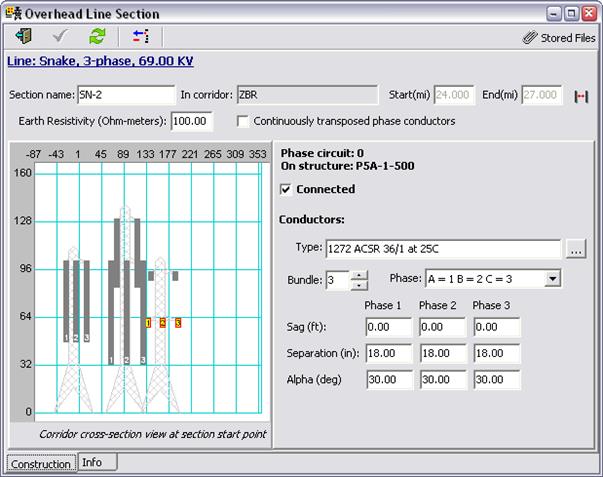
This form lets you specify the properties and placement of an overhead line section.
You can open this form in several ways
-
Pressing the Open Line Section Data Form button  in the line-section diagram in the Line
Data Form
in the line-section diagram in the Line
Data Form
- Double-clicking on a line section object in the line-section diagram in the Line Data Form
- Double-clicking on a structure object in the cross-section view in the Corridor Data Form.
You can open multiple instances of this form simultaneously, each showing a different line section.