button or by double-clicking on a row
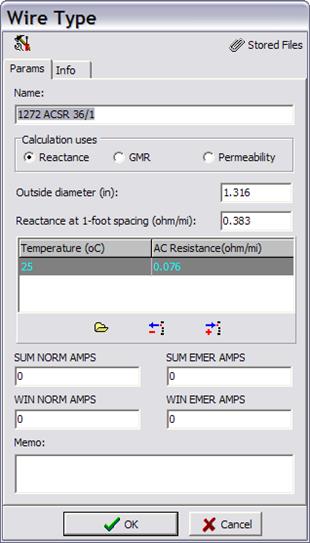
in the data grid. You can change the labels for the four current limits on the
Params tab and the customizable fields on the Info tab by pressing the
button or by double-clicking on a row
in the data grid. You can change the labels for the four current limits on the
Params tab and the customizable fields on the Info tab by pressing the  button. Administrative privilege is
required for this task.
button. Administrative privilege is
required for this task.