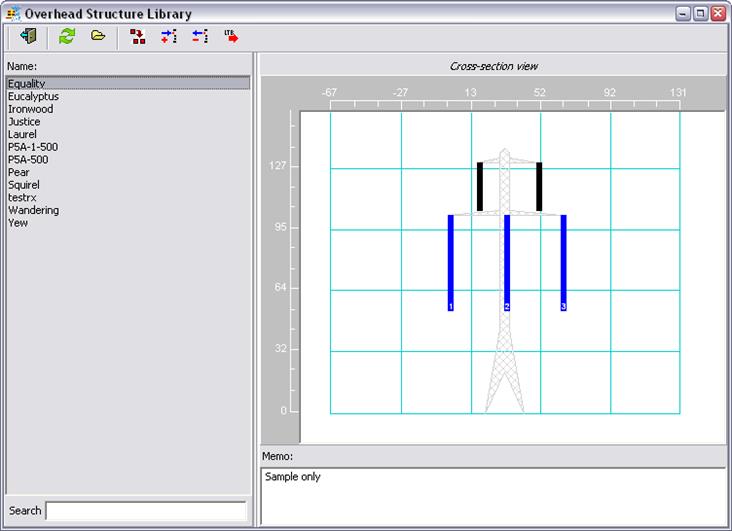
The Overhead Structure Library Form shows the overhead structure types (tower types) in the database.
You can open this form by pressing the Overhead Structure button
 in the main window’s tool bar or by
selecting the menu command Form | Overhead Structure Library. Only a single
instance of this form can be opened at any time.
in the main window’s tool bar or by
selecting the menu command Form | Overhead Structure Library. Only a single
instance of this form can be opened at any time.
When you select a structure in the list, a cross-section view is displayed in the panel on the right. The structure and the wires on it are shown from the perspective of an observer looking in the direction of the wires. The memo field associated with the structure is displayed below the picture.