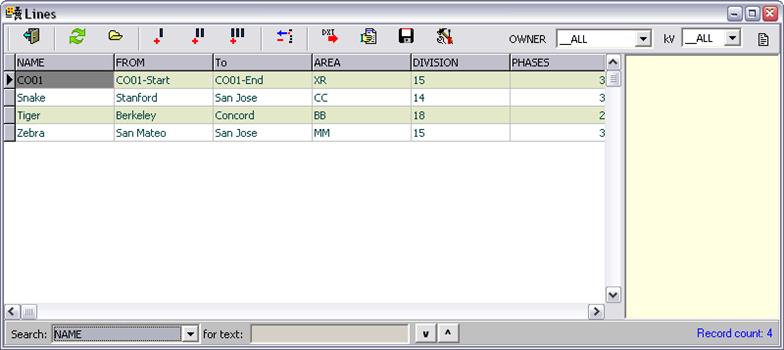
The Line Browser lists all the lines in the database. Each row in the data grid is for one of the lines. The total number of lines is shown at the lower right corner.
The Line Browser form can be opened by clicking on the Lines
Browser button  in the main window’s
tool bar or by selecting menu command Form | Lines Browser. Only a single
instance of this form can be opened at any time.
in the main window’s
tool bar or by selecting menu command Form | Lines Browser. Only a single
instance of this form can be opened at any time.
You can change the column order by dragging the column labels with the mouse.
When a record is selected, the memo field associated with the
selected line is displayed in the read-only box on the right. Press the memo
button  if the memo field is not
visible.
if the memo field is not
visible.
The lines in the list can be filtered with the Owner and by kV dropdown lists at the upper right corner.